Moving data between servers without downtime: copy, test, promote
Most data migrations are a stop, a copy and a prayer. Here is the safer shape — a live copy verified by checksum, a second instance you can test before you commit, and a rollback window that lasts a week.
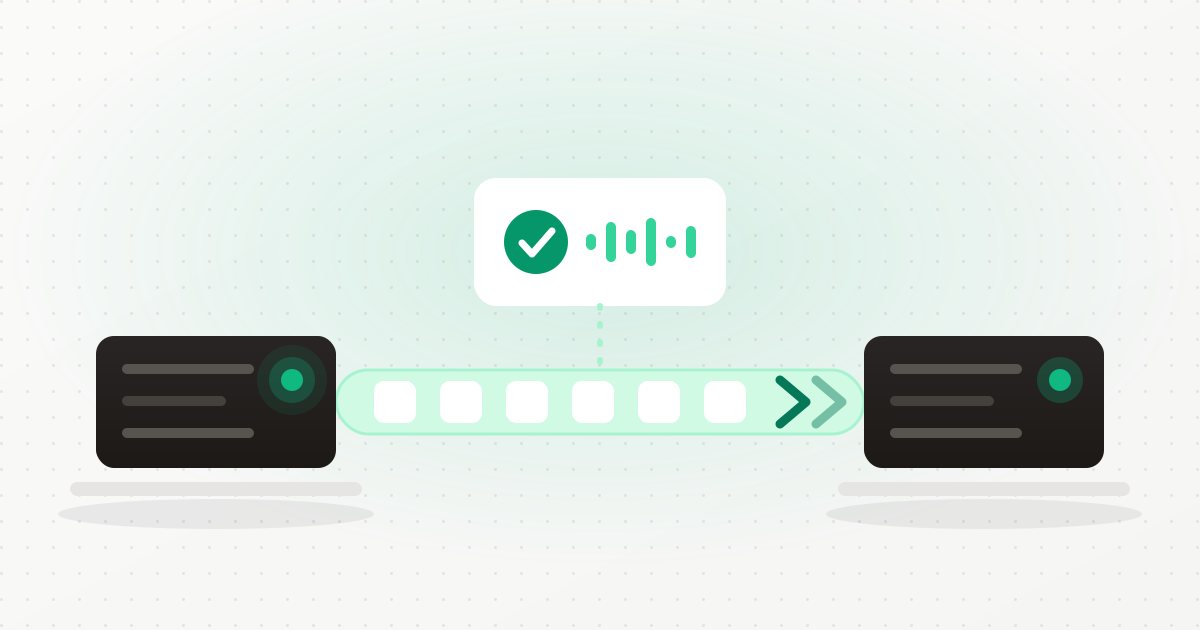
Every migration guide you will find has the same shape. Stop the service. Take a dump. Copy the dump. Restore the dump. Start the service. Check that it works.
It is a fine procedure and it has one structural flaw: the moment you find out whether it worked is after you have already committed. The old copy is stopped, the connection strings point at the new one, and the discovery that the restore was incomplete happens with production down and nothing to fall back to except a dump you now have to trust twice.
Databases and file stores end up needing to move for entirely ordinary reasons — the data is on the server's boot disk and should be on a block volume, the machine is too small, the volume is full, or the workload deserves a server of its own. None of those are emergencies. All of them currently involve a maintenance window and a leap of faith.
The safer shape
The pattern that removes the faith is copy, test, promote. Nothing is destroyed before it is proven copied, and nothing is switched over before you have used the copy yourself. Our data migration engine implements it as four stages.
1. A precheck that tells you what will happen
Before anything moves, you get a report: how much data there is, whether it is encrypted, what is connected to it inbound, what it connects to outbound, and any blockers that mean this migration should not proceed. If a resource cannot be moved the way you have asked, you are told now, not halfway through.
2. A bulk copy while the resource stays online
The copy runs against the live resource — no stop, no window. When the bulk pass is done, the resource is quiesced only for a short delta pass to catch what changed during the copy, and it is restarted before verification runs. Verification is not a reason to stay down.
3. Verification that means something
A readiness probe alone is not evidence — a container can start happily on top of a partial directory. Verification compares total bytes, file count and a SHA-256 manifest between source and destination, and then probes the new copy for readiness. Cutover is gated on all of it passing, and there is deliberately no force path. If the numbers do not agree, the migration does not proceed, no matter how confident you are.
4. A second instance you can actually use
This is the part that changes the character of the whole operation. For databases and the self-hosted container registry, the copy is brought up as a second live instance on its own port while the original keeps serving. Nothing has moved yet. You can connect to it and look.
Before you are allowed to promote it, a validation suite runs against that copy: it must be running, not restart-looping, not OOM-killed, ready, answering an authenticated query, holding data, and showing a clean log. If a critical check fails, promotion is blocked — again with no force path. If you do not like what you see, discard removes the copy and confirms the original is still serving.
Side-by-side is on by default. Turning it off requires explicitly saying this data is not critical, and whether it is even available for the resource you have chosen is stated in the precheck, before you start.
Promotion is a rewire, not a rebuild
When you promote, the original container is not deleted — it is parked as _premigrate,
and the new one is created with the port bindings, network attachments and resource limits
replayed from a manifest of the old one. A Docker volume being replaced is copied aside rather
than removed.
Connections are rewired at the same time, which is the step people forget and then spend an
afternoon on: Front Door routes, load balancer backends, cross-server bindings, and the
DATABASE_URL held by the applications that consume the database.
A rollback window measured in days
The replaced data is retained for seven days, extendable to thirty. For that whole window, rollback is a rename — there is no restore to perform, because the old copy was never destroyed. Purging early is possible and requires an explicit confirmation, and the script re-checks the path and the retention marker before it removes anything.
An hourly sweep reaps stranded migrations and purges retention that has genuinely expired, so a migration that failed halfway does not sit in the list forever pretending to be in progress. Every run keeps a step trail and its verification evidence on the detail page, so "did that actually verify" is a thing you can look up rather than remember.
* Move it while it is still running
Open Data migration in the portal, run the precheck on the resource, and let the copy run with the original online. Nothing switches until you promote. Create an account →What is covered, and what is not
Being specific here saves you an unpleasant surprise.
Available today:
- Server disk → block storage, for any resource type, not just databases.
- Block storage → a different block volume on the same server.
- Server → server over the private network, for single-container resources — databases and the self-hosted registry.
- Side-by-side copy with a validation suite before promotion, for databases and the registry.
- Guarded cutover for compose-managed resources — validated after cutover, rolled back automatically if the validation fails.
Not available yet:
- Cross-provider moves. Provider A to provider B is not implemented.
- Whole-volume or whole-server batch moves. Migrations are per resource.
- A public hostname for the test copy. The second instance is reachable on the server, not from the internet, so testing it means connecting from the server side.
- Cross-server moves of compose-managed apps — CMS apps, Git apps, mail and observability stores. The precheck refuses these and points you at the dedicated app migration wizards, which understand the extra parts an app carries.
Is there really no downtime?
The bulk copy, the verification and the whole test period run with the original serving. There is a brief quiesce for the delta pass, and promotion itself is a container rewire measured in seconds. What there is not is a window during which you are down while hoping a restore works.
What if the copy is incomplete?
Then verification fails and cutover does not happen. Byte total, file count and a SHA-256 manifest all have to agree, and there is no override.
Can I undo a migration after promoting?
Yes, for the retention window — seven days by default, extendable to thirty. The old data was parked, not deleted, so rollback is a rename rather than a restore.
Why should my database be on block storage at all?
Data on the server boot disk dies with the server. On a block volume it survives a rebuild, can be resized independently, and can be moved to a different machine later.
Does anything else need updating after the move?
The migration rewires Front Door routes, load balancer backends, cross-server bindings and consumer DATABASE_URLs as part of promotion. Anything holding a hardcoded connection string outside the platform is yours to update.
The short version
Migrations do not go wrong because copying files is hard. They go wrong because the copy is trusted before it is checked, and because the thing you are moving away from is destroyed before the thing you are moving to has been used in anger.
Keep the original running. Verify with a checksum, not a vibe. Test the copy before you commit to it. Keep the old data for a week afterwards. Create an account and the platform will hold that shape for you.
Keep reading
Ready to simplify your hosting?
Deploy your first server in 90 seconds. All features included.
Start free